 Inlet
Your notch,
finally useful.
Inlet turns the black bar at the top of your MacBook into a home for what you're playing, your captures, your files and your day. Hover to open it; everything is one glance away.
One-time purchase · 1 Mac · Apple Silicon and Intel
Everything, right where you look
Turn on the parts you want and leave the rest off. Inlet runs on your Mac with no account and no analytics.
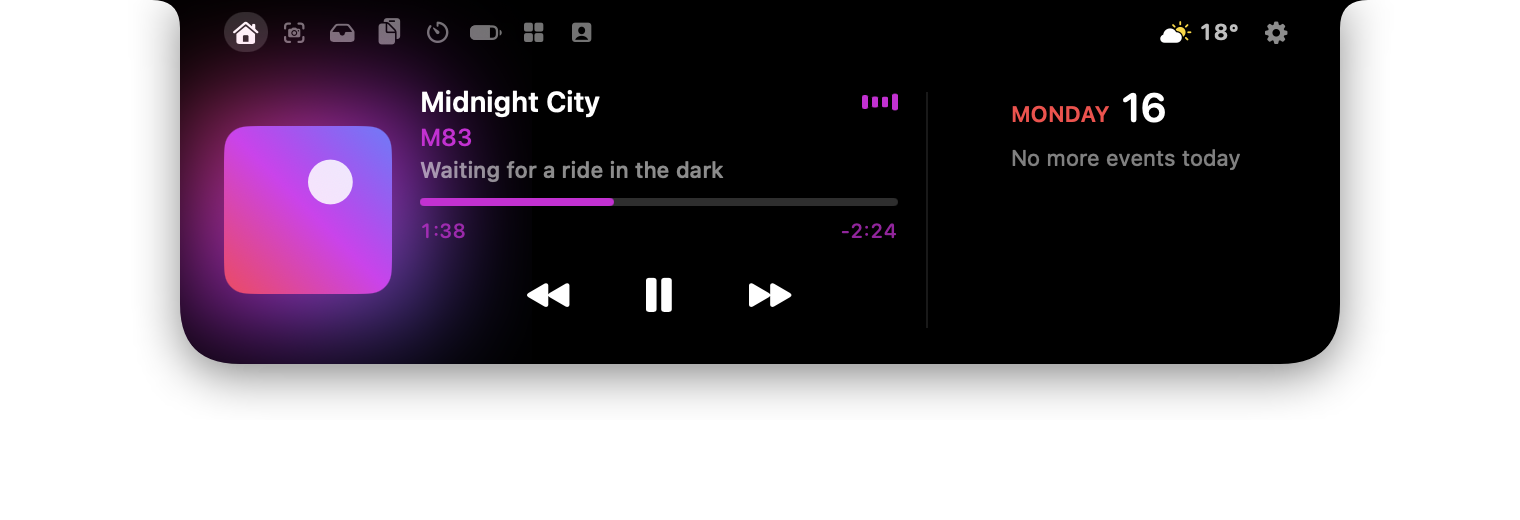
Now Playing, calendar and weather
Album art, controls and a scrubber for Music, Spotify and most players, next to today's events.
Volume and brightness, reimagined
The system's big square overlay is replaced by a slim bar that grows out of the notch.

Live activities
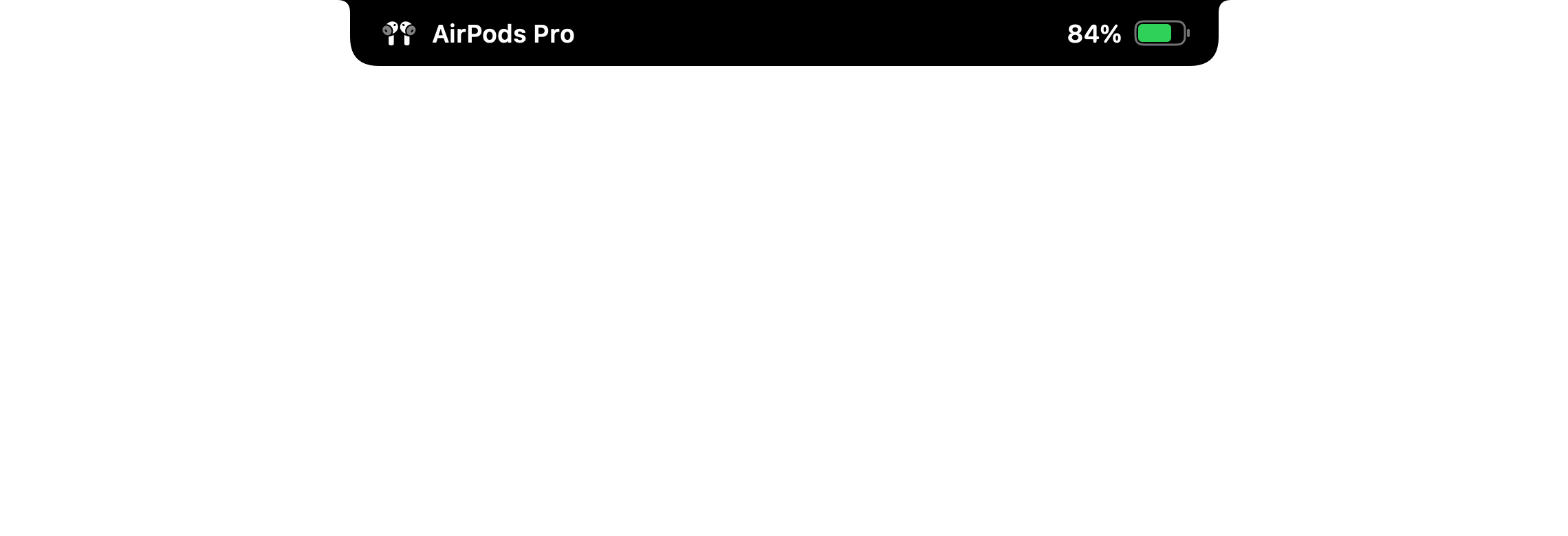
Charging, AirPods, timers, downloads and more appear beside the notch, then get out of the way.
Screenshots and screen recording
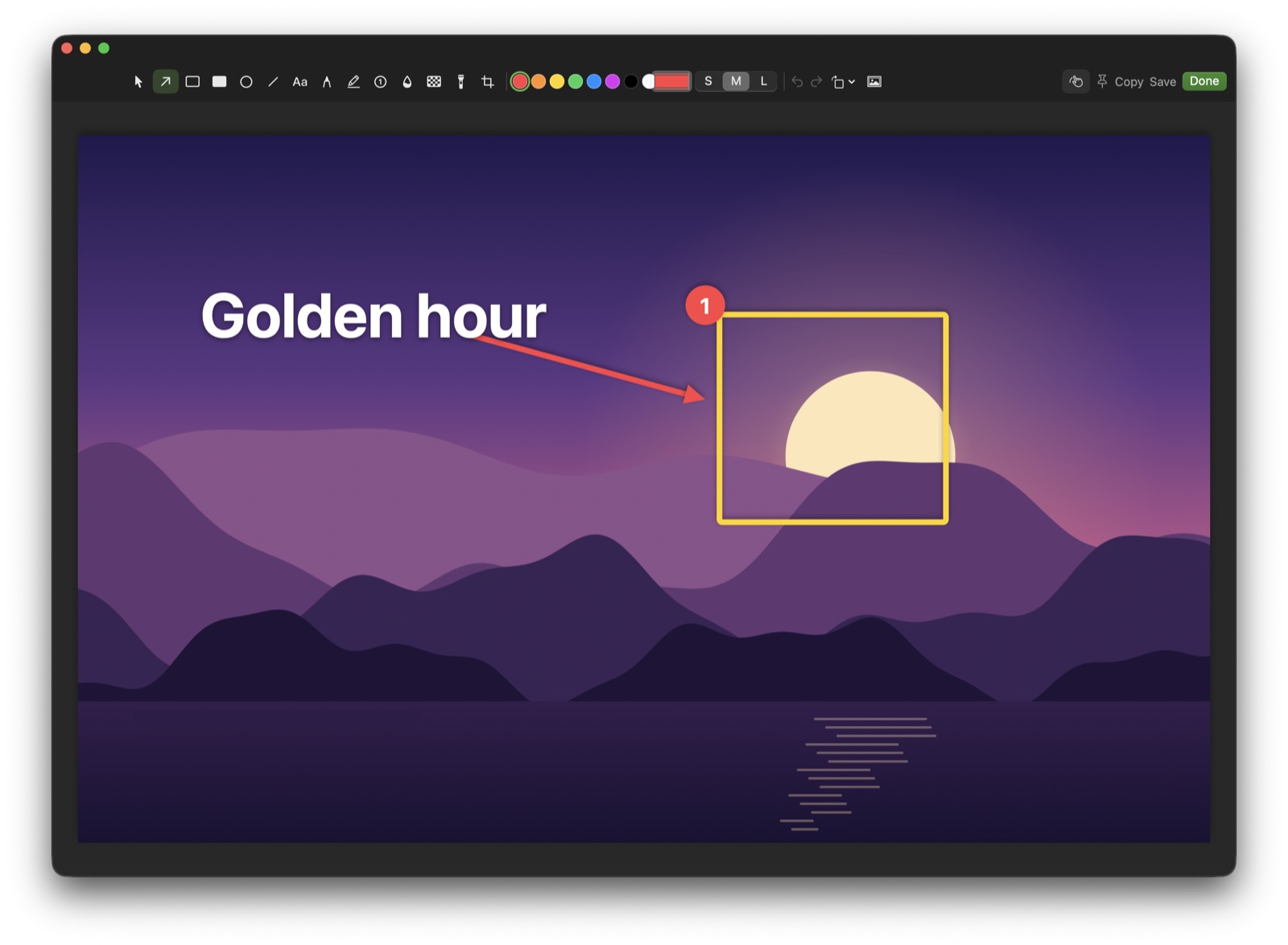
Capture an area, a window or a scrolling page, then annotate, pin or copy text from it. Record with your camera, clicks and keystrokes, pause, trim and export to MP4 or GIF.
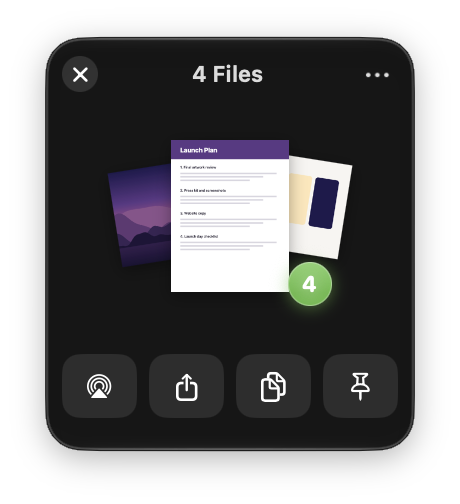
Drop Shelf
Shake or hold Shift while dragging to park files in a floating shelf.
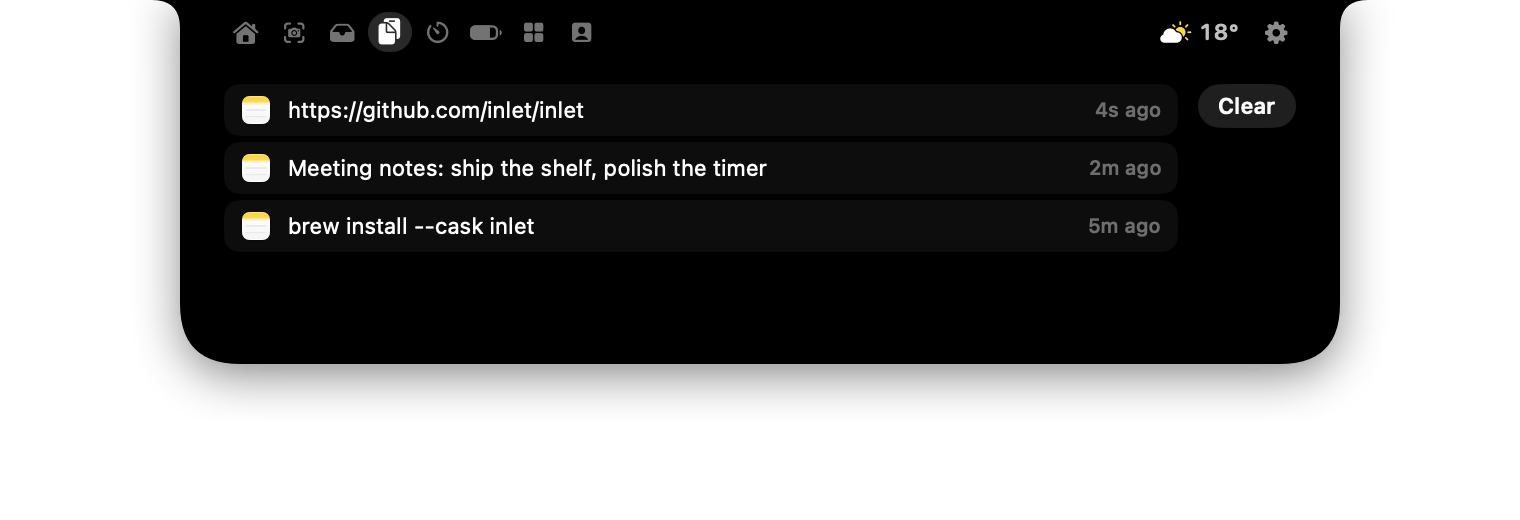
Clipboard and timers
Your clipboard history, a Pomodoro timer and a stopwatch, a hover away.
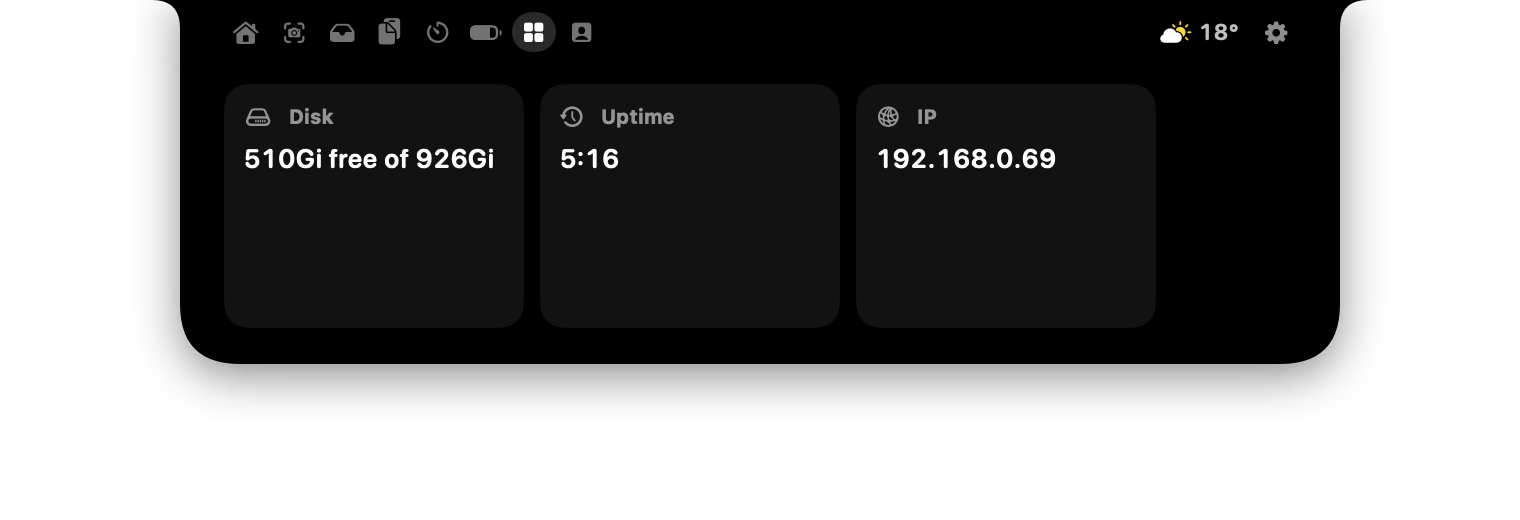
Widgets
Show the output of any shell command, from disk space to your build status.
One price, no subscription
Pay once and it's yours, with a 14-day money-back guarantee.
Inlet
- Every feature, no tiers
- One Mac, move it any time
- All updates to Inlet 1.x included
- 14-day money-back guarantee
Secure checkout by Paddle. Your key appears right after payment.
Questions
Which Macs does Inlet run on?
Any Mac with macOS 14 Sonoma or later, Apple Silicon or Intel. It's made for MacBooks with a notch; on other Macs it draws a notch-shaped bar at the top of the screen.
How do I get started?
Buy Inlet, then download it, open it and paste the license key from the checkout page or your email. That's it.
How many Macs can I use it on?
One license works on one Mac at a time. Switching Macs? Deactivate it in Inlet's settings on the old one and activate it on the new one, as often as you like.
Can I get a refund?
Yes. If Inlet isn't right for you, ask within 14 days of buying for a full refund. See the refund policy.
Who handles payment?
Our online store is run by Paddle, which is the Merchant of Record for all orders. Paddle handles payment, invoices, sales tax and VAT, and refunds.
Does Inlet collect my data?
No analytics, no tracking. Inlet only goes online for the features you turn on (like weather or lyrics) and to activate your license. The privacy policy lists exactly what's sent.
I lost my license key.
In Inlet, open the license window and choose “Lost your key?” to have it emailed again, or write to dev@omarbahra.com.